Why Do DTF Prints Show Banding, and How Can Indian Printers Fix It for Good in 2026?
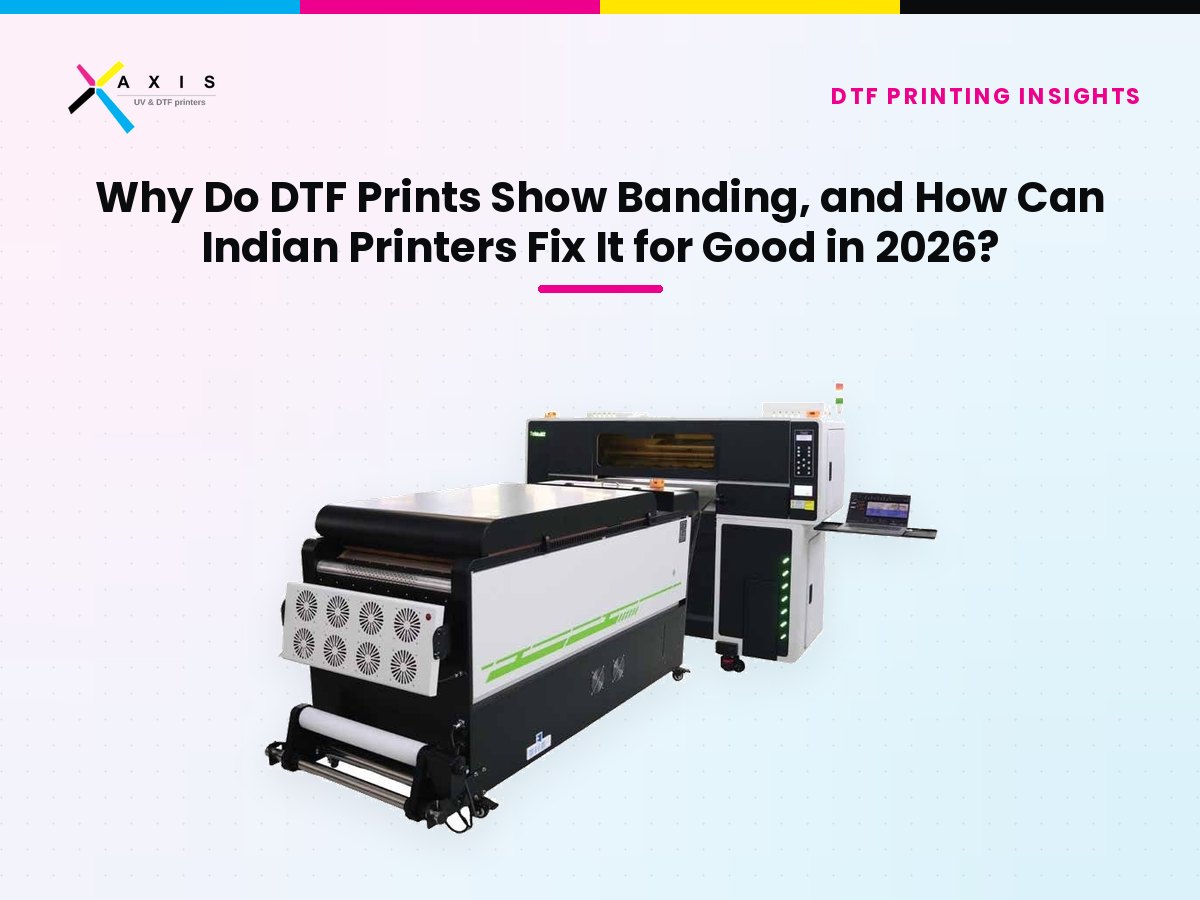
Banding in DTF printing is the appearance of faint horizontal lines or streaks across a printed design, usually caused by missing nozzles, incorrect print pass settings, or an unstable print head. It shows up most often in large solid areas, gradients, and skin tones, where even a small ink shortfall becomes visible to the eye. Most banding traces back to one of three sources: the printer's nozzle health, the RIP software's pass and resolution settings, or the physical environment around the machine.
Diagnosing it correctly, rather than guessing, is what separates a five-minute fix from a week of rejected prints. This article walks through why banding happens, what it costs a growing DTF business, and what a smart buyer should look for to avoid it.
What Is Banding in DTF Printing?
Banding is a print defect in which visible horizontal lines or uneven density streaks run across a direct-to-film printing transfer, most noticeable in flat colour fills, gradients, and light-to-dark tonal transitions. It is a form of the same defect that affects inkjet printing more broadly, because DTF machines rely on inkjet print heads moving across film in passes. Every pass that lays down slightly less ink than the one before or after it creates a thin line the eye reads as a band.
Because DTF is a form of textile printing built around a specialised film-and-powder transfer process, the defect is not identical to banding on a paper inkjet printer. Powder adhesion, film feed accuracy, and the later application of a heat press all add extra points where an inconsistency introduced early in the process becomes visible only after curing and pressing.
Why Does DTF Banding Cost Indian Printers More Than They Realise?
Banding is rarely a one-time inconvenience. It tends to reappear until the root cause is fixed, which means the cost compounds with every job that reaches the customer's hands.
- India's direct-to-film printing market was valued at USD 243.9 million in 2025 and is projected to reach USD 380.3 million by 2030, growing at a 9.3 percent CAGR, according to Grand View Research (2025). As more printers enter this fast-growing market, customers have more suppliers to compare, and a visibly banded print is now easier for them to notice and reject.
- India's print-on-demand market, much of which flows through DTF-equipped shops, was worth USD 857.9 million in 2025 and is projected to reach USD 5,419.0 million by 2033, at a 26.2 percent CAGR, per the same Grand View Research (2025) outlook. Rising order volume means a recurring defect like banding is multiplied across far more prints than it would have been just two or three years ago.
- The global digital textile printing market is on a similar trajectory, moving from USD 5.8 billion in 2024 to a projected USD 15.25 billion by 2032, an 11.49 percent CAGR, reports Verified Market Research (2026), which also names uneven colour reproduction across fabrics, inks, and production environments as a persistent technical challenge for the industry.
Every reprint caused by banding consumes film, ink, powder, and a blank garment a second time, on top of the labour and machine hours already spent. In a market growing this quickly, that waste does not stay hidden. It shows up directly in the monthly profit-and-loss statement.
Downtime spent chasing a defect is its own cost. Josh Ellsworth, Chief Revenue Officer at STAHLS', summed up the underlying economics of decoration work bluntly: "Screen printers know time is money. Not every job makes sense to set up the press for," a principle that applies just as directly to a DTF operator repeatedly stopping a line to chase the same banding fault, as reported by Screen Printing magazine (2025).
What Actually Causes Banding in DTF Prints?
Banding almost always comes from one of three places: the print head, the software settings, or the workspace environment. Ruling them out in a fixed order is faster than guessing.
Print-head and nozzle issues. A partially blocked nozzle lays down less ink on every pass it is involved in, creating a thin repeating line. This is the single most common cause, and it is also the easiest to check with a routine nozzle test before starting production.
RIP software and pass settings. If the number of print passes, resolution, or bidirectional printing setting in the RIP software does not match the film, ink density, and print speed the job actually needs, the printer can lay down ink unevenly even with a perfectly healthy print head. Growth in the wider textile printing industry has pushed more shops toward high-speed, high-volume settings, which makes correct pass configuration more important, not less.
Environmental and mechanical factors. Voltage fluctuation, an unstable machine surface, worn belts, or a film feed that is not tracking evenly can all introduce banding that has nothing to do with the ink system. Humidity swings, common across much of India through the monsoon and summer months, can also affect ink viscosity and powder behaviour in ways that mimic a head problem.
As Mike Wesolowski, Vice President of Production at Swell Ink, put it after upgrading his shop's decorating equipment: "Our prints look and feel better, what comes out of the dryer is smoother, and that's a real competitive edge," a reminder that consistent output is not just a technical detail, it is a factor customers actually notice and reward, as reported by Screen Printing magazine (2025).
Diagnostic Table: Matching the Banding Pattern to the Likely Cause
Use the pattern of the banding itself as the first clue. This table maps common symptoms to their most likely cause and a starting fix.
| :-: | :-: | :-: |
|---|---|---|
| Banding Pattern | Most Likely Cause | Recommended First Fix |
| Thin, evenly spaced lines across the whole print | One or more blocked or misfiring nozzles | Run a nozzle check and clean or purge the affected channel |
| Bands that appear only in gradients or skin tones | Incorrect pass count or resolution in the RIP settings | Increase pass count or switch to a higher-quality print mode for that job type |
| Bands that come and go across the day | Voltage fluctuation or an unstable power supply | Add voltage stabilisation and check earthing before the next shift |
| Bands only on long, continuous print runs | Film feed slipping or tension inconsistency | Inspect film rollers and tension settings, and clean the feed path |
| Bands appear after the machine has been idle | Ink settling or a dried cap station | Circulate ink and run a full cleaning cycle before resuming production |
How Should a Growing DTF Business Rethink Its Approach to Print Quality?
The right response to banding is not to accept it as normal, but to treat consistent output as a measurable business asset. A smart buyer evaluating machinery, training, or a new supplier in 2026 should weigh a few criteria that go beyond the price tag on the machine.
- Demonstrated print-head consistency under real conditions. A machine that looks flawless on one demo swatch tells you little. What matters is consistent output across a full production run, multiple garment types, and several hours of continuous printing.
- Structured operator training in colour management, not just machine operation. An operator who understands RIP settings, pass counts, and how to read a nozzle test can catch banding before a job ships, rather than after a customer complains.
- Transparent job costing that captures rework. If your costing sheet does not have a line for wasted film, ink, and garments from reprints, you cannot see how much a recurring quality issue is actually costing you each month.
- Documented after-sales response times and local spare parts. Print-head, damper, and capping-station issues need fast, local support. A supplier three states away with no local stock turns a one-day fix into a week of lost production.
- A supplier who can diagnose remotely. The fastest banding fixes happen when a technician can review a nozzle-test photo and RIP settings over a call, rather than waiting for a site visit.
What Should You Look for in a DTF Machine and Supplier to Avoid Recurring Banding?
Use this checklist while evaluating any DTF machine purchase or upgrade, whether it is your first printer or your third.
- Ask for a live demonstration that runs multiple designs, garment types, and film batches back to back, not a single best-case sample print.
- Request to see the machine's nozzle-check and diagnostic process during that demonstration, and ask how often it should be run in daily production.
- Confirm the supplier trains your operators on RIP software, colour profiles, and pass settings, in addition to basic machine operation.
- Get the after-sales response commitment and a list of locally stocked spare parts, such as print heads, dampers, and capping stations, in writing before you pay.
- Ask what proportion of print-quality complaints the supplier resolves remotely versus with an onsite visit, and how long each typically takes.
- Request a sample job-costing template that accounts for rework and wastage, so you can measure the real cost of any quality issue from day one.
Where This Leaves a Growing DTF Printing Business
Everything above points to the same conclusion: banding is rarely a mystery, and it is almost never something a business simply has to live with. It is a diagnosable, fixable problem once you have the right machine, the right training, and a supplier who responds quickly when something goes wrong. This is exactly the combination Axis Enterprises was built around for Indian garment printers: dependable DTF machines, hands-on operator training in colour management and troubleshooting, and local after-sales support that keeps a banding issue from turning into a week of lost orders.
If banding, inconsistent colour, or unreliable after-sales support has been holding your production back, the fastest way to see the difference is to watch a machine run under real conditions rather than read about one. You can book a free live DTF machine demonstration with Axis Enterprises, bring your own design files or garments if you like, and see the nozzle-check process, print consistency, and finished output for yourself. The team can also walk you through operator training options and a transparent job-costing approach so you know exactly what a print costs before banding, rework, or downtime ever enter the picture. There is no obligation, and it is the same demonstration standard described above: real production conditions, not a single best-case sample.
Frequently asked questions
What are the most common causes of horizontal banding in DTF prints?
The three most common causes are blocked or misfiring nozzles, incorrect pass or resolution settings in the RIP software, and environmental issues such as voltage fluctuation or film feed slippage. Checking the nozzles first is usually the fastest way to narrow down the cause.
Can incorrect RIP pass settings or print speed create visible banding?
Yes. If the pass count, resolution, or print speed set in the RIP software does not match the ink density and film type being used, the printer can lay down ink unevenly even when the print head itself is completely healthy. This is why checking software settings is as important as checking hardware.
What should I check when the nozzle test looks good but the final print still shows banding?
Move on to RIP settings, film feed tension, and power stability. A clean nozzle test rules out the print head, which means the cause is most likely in the software configuration, the mechanical feed of the film, or an unstable power supply affecting print timing.
Can unstable room temperature or humidity cause banding during long print runs?
Yes. Temperature and humidity swings can change ink viscosity and powder behaviour during a long run, which can produce banding-like inconsistency even on a well-maintained machine. This is a particularly relevant risk in Indian workshops during the monsoon and peak summer months.
How can I prevent banding from returning after a temporary correction?
Fix the root cause rather than the symptom. A single cleaning cycle can temporarily hide a nozzle issue, but the banding will return within days unless the underlying cause, whether it is ink quality, voltage stability, or a mechanical part, is properly addressed and documented in a maintenance log.
What evidence should I send technical support when reporting a banding problem?
A close-up photo of the affected print, a nozzle-test photo taken at the same time, the RIP settings used for that job, and the film and ink batch details. This lets a technician diagnose the likely cause remotely, often without needing an immediate site visit.
Sources
- Grand View Research, India Direct-to-Film Printing Market Size and Outlook (2025)
- Grand View Research, India Print-on-Demand Market Size and Outlook (2025)
- Verified Market Research, Global Digital Textile Printing Market Growth Report (2026)
- Screen Printing magazine, 2026 Will Reshape How Print Shops Compete (2025)

Founder, Axis Enterprises. Selling and servicing digital printing machines across India since 2011. Author of "Increase Your Profit by 270% with UV Printing Technology". More about the author